With the rise of online shopping, optimising your product feed for shopping ads is crucial for maximising visibility and sales in e-commerce. By refining your product data, you can improve your ad performance and ensure that your offerings reach the right customers effectively. This post will guide you through key strategies that will enhance your product feed, enabling you to attract more shoppers and boost your revenue.

Key Takeaways:
- Optimising product titles and descriptions enhances visibility and click-through rates.
- High-quality images and accurate pricing improve user engagement and conversion rates.
- Regularly updating the product feed ensures compliance with platform requirements and improves overall performance.
Understanding Shopping Ads
Shopping Ads have transformed the way e-commerce businesses attract customers by displaying product listings directly in search results. They highlight images, titles, prices, and offers, making it easier for potential buyers to find exactly what they’re looking for. This format not only captures attention but also converts interest into sales more effectively than traditional text-based ads, making your product offerings stand out in a competitive marketplace.
What Are Shopping Ads?
Shopping Ads, often referred to as product listing ads, showcase individual products with images, prices, and descriptions directly on search engines and social media platforms. When users search for specific items, these ads appear prominently, allowing you to present your products visually alongside vital information, thus attracting clicks and driving potential customer traffic straight to your e-commerce site.
Benefits of Shopping Ads for E-commerce
Utilising Shopping Ads offers several advantages for e-commerce businesses, including increased visibility, higher conversion rates, and improved return on investment (ROI). With your products appearing prominently in search results, you can reach customers at key moments when they’re ready to buy, thus driving more targeted traffic to your website and enhancing your sales opportunities.
The effectiveness of Shopping Ads is underscored by statistics showing that they can achieve conversion rates up to 30% higher than standard text ads. This increase can be attributed to their visual appeal and the immediate availability of product information that caters directly to consumer needs. Furthermore, as potential buyers can directly compare products and prices, this format reduces the customer decision-making process, leading to quicker purchases. Investing in Shopping Ads optimises your advertising strategy, allowing you to capitalise on growing online shopping trends and maximise your e-commerce potential.
Importance of Product Feed Optimization
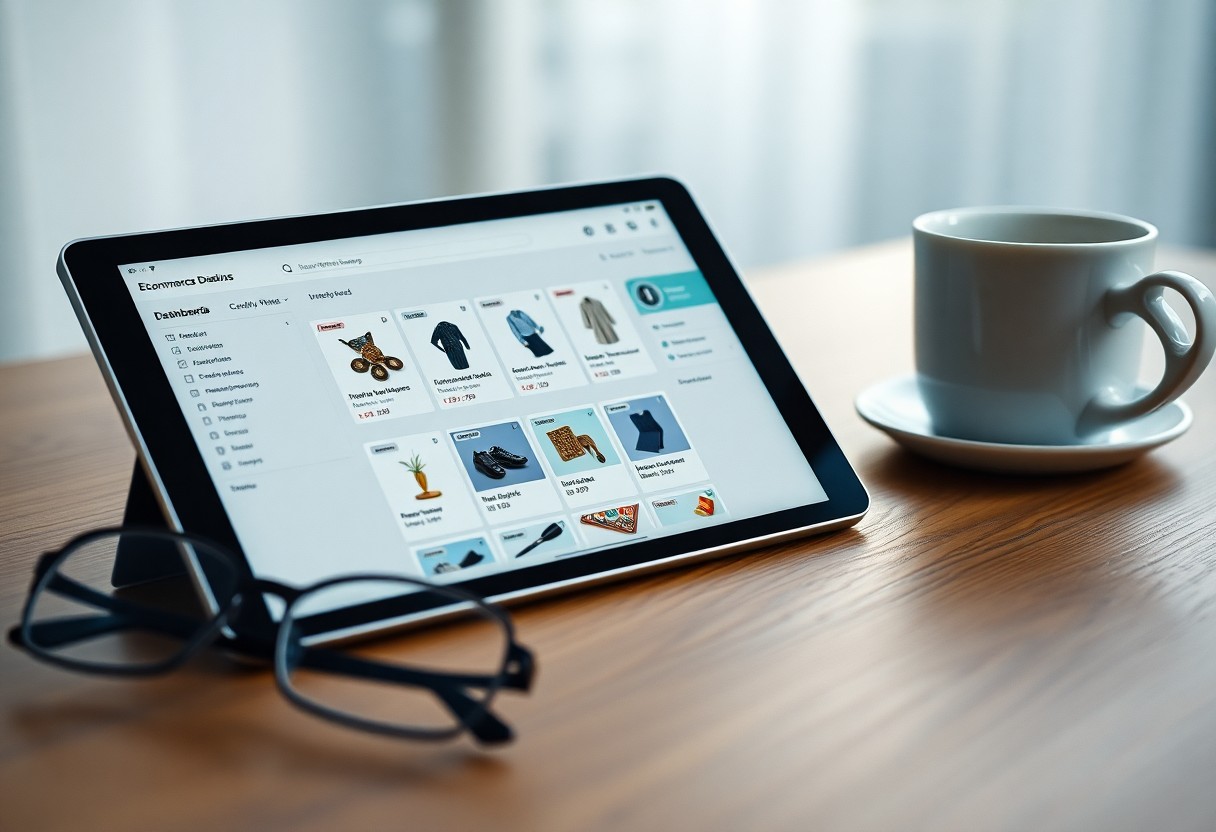
Product feed optimisation is vital for enhancing your online visibility and maximising the performance of your Shopping Ads. A well-optimised feed ensures that your products appear accurately and attractively in search results, leading to higher conversion rates. By focusing on optimisation, you can improve your return on investment significantly. For effective strategies, check out these 8 Must-Try Google Shopping Feed Optimization Tips.
Key Elements of a Product Feed
Key elements of your product feed include accurate titles, compelling descriptions, high-quality images, and up-to-date pricing. Each element should align with your branding and target audience needs. Additionally, ensure that your product categories are correctly defined and that you comply with platform specifications to enhance performance.
The Role of Product Data in Shopping Ads
Product data serves as the backbone of your Shopping Ads, influencing how your listings appear in search results. Accurate and detailed data helps search engines match your products to relevant queries, increasing visibility and attracting potential customers.
Moreover, your product data must include detailed attributes such as size, colour, and brand, as well as any promotional offers. This rich information ensures that your ads appear in more relevant searches, attracting the right customers. When you include robust data points, your chances of standing out in competitive markets rise, leading to better click-through rates and higher sales conversions.
Best Practices for Product Feed Optimization
Optimising your product feed is imperative for maximising visibility and conversion rates. Implement best practices like ensuring accurate inventory levels, using high-quality images, and maintaining updated pricing. Regularly refine your data for improved performance. You can explore more strategies through this Google Shopping Feed Optimization : r/PPC.
Creating High-Quality Product Titles
Your product titles should be concise yet descriptive, incorporating relevant keywords that your target audience is likely to search for. Focus on imperative details such as brand, item type, and key features to enhance search relevancy.
Crafting Compelling Product Descriptions
Compelling product descriptions should engage potential buyers by highlighting unique selling points and benefits. Use persuasive language that resonates with your audience, ensuring clarity and relevance. Incorporating keywords naturally can further improve search visibility.
To craft effective product descriptions, start by tackling the customer’s pain points your product resolves, and include key features that differentiate it from competitors. Address your audience’s needs directly and use bullet points for easy reading. Consider adding social proof, such as testimonials or ratings, to enhance credibility and persuade hesitant shoppers. Aim for a blend of emotional appeal and factual information to create a powerful narrative around each product, ultimately driving sales and customer engagement.
Optimising Images for Shopping Ads
Images are central to your Shopping Ads, significantly influencing customer purchasing decisions. High-quality visuals not only capture attention but also convey your product’s features and benefits effectively. Ensuring that your images meet specific criteria and best practices will enhance your ad performance and ultimately drive conversions.
Image Specifications and Requirements
Adhering to the correct image specifications is crucial for your Shopping Ads to display properly across platforms. Each product image should be at least 800 x 800 pixels, with a maximum file size of 16 MB in JPEG, PNG, or GIF format. Additionally, images should have a pure white background to ensure your products stand out and avoid clutter.
Tips for Eye-Catching Product Imagery
Creating compelling product imagery can significantly impact your click-through rates. Use dynamic angles and clear, well-lit photographs to showcase your products effectively. Highlight key features and consider incorporating lifestyle imagery that illustrates the product in use, making it more relatable to potential buyers.
- Ensure consistency in style across your product images.
- Utilise natural lighting to enhance colour accuracy.
- Include context by using images of products in action or within their intended environment.
- Test various images to see which yields the best engagement.
- Recognising the importance of an appealing first impression can’t be overstated.
Utilising lifestyle images can enhance customer engagement by providing context for your products. Featuring items in real-world scenarios helps potential customers visualise how they will use them. Ensure your products remain the focus, but don’t shy away from including relevant props or settings that complement your offerings. Test various compositions to identify what resonates most with your audience.
- Incorporate lifestyle elements thoughtfully without overshadowing the product.
- Use close-ups to highlight intricate details or textures.
- Consider the emotional appeal of your images to connect with buyers.
- A/B test imagery to find the most effective representations.
- Recognising that clear, engaging visuals are pivotal for success will guide your optimisation efforts.
Monitoring and Analyzing Product Feed Performance
To maximise the effectiveness of your Shopping Ads, continuous monitoring and analysis of your product feed performance is necessary. Track key metrics such as impressions, clicks, and conversion rates to identify trends and potential areas for improvement. Regularly reviewing this data allows you to adapt your strategies, ensuring your ads are optimised for maximum visibility and sales efficiency.
Tools for Tracking Performance Metrics
Utilising analytical tools like Google Analytics, Google Merchant Centre, and third-party tracking software provides you with invaluable insights into your product feed performance. These platforms offer a comprehensive view of how your ads are performing across various channels, allowing you to identify which products are resonating with customers and which may require adjustments.
How to Use Data to Enhance Product Feeds
Data-driven decisions can significantly enhance the quality of your product feeds. By analysing performance metrics, you can refine product descriptions, optimise keywords, and adjust pricing strategies based on consumer behaviour. This tailored approach ensures your feeds are aligned with market demands, ultimately driving higher engagement and conversion rates.
By diving deeper into your data, you’ll be able to pinpoint specifics like which keywords trigger the most clicks or which images generate better conversions. Pairing these insights with A/B testing on your product titles and descriptions can lead to substantial improvements. Additionally, if certain products consistently underperform, consider revisiting their attributes such as pricing, stock levels, or competing offers, adjusting your strategy accordingly to align with customer preferences and market trends.
Common Mistakes and How to Avoid Them
Identifying and rectifying common mistakes in product feed management can significantly enhance your Shopping Ads efficacy. Ignoring these pitfalls often leads to poor ad performance and decreased sales, hindering your overall growth. This section will highlight common errors and provide actionable strategies for improvement.
Inaccurate Product Information
Providing inaccurate product information can directly affect your ad performance and customer trust. Ensure that product titles, descriptions, prices, and images reflect the actual offerings to avoid confusion and potential returns. Regularly auditing your listings helps maintain high standards.
Neglecting Regular Updates
Failing to update your product feed regularly can lead to outdated information, which may frustrate customers and diminish ad effectiveness. For instance, if stock levels are not refreshed, customers might encounter out-of-stock items, negatively impacting their shopping experience.
Scheduling frequent updates to your product feed is paramount, especially during seasonal sales or promotional events. With the dynamic nature of e-commerce, competitors may frequently adjust pricing or launch new products. Utilising automated tools for inventory tracking can facilitate timely updates, ensuring your listings accurately represent available items. Additionally, engaging with your audience through timely marketing messages can enhance visibility and keep your products relevant in the ever-competitive marketplace.
Conclusion
Summing up, optimising your product feed is necessary for maximising the effectiveness of your shopping ads in e-commerce. By ensuring accurate product data, enhancing descriptions, and implementing competitive pricing strategies, you can significantly improve your visibility and click-through rates. Tailoring your feed to meet specific platform requirements will also aid in attracting the right audience. By focusing on these aspects, you enhance your chances of driving more traffic and conversions, ultimately boosting your online sales.